Veloso
Getting started
Install Gizmohaus and make it yours.
- Add the theme. Download the zip from your licence page, then in Shopify admin go to Online Store › Themes › Add theme › Upload zip file. It is added unpublished, so your current theme stays live.
- Add your logo. Customize › Theme settings › Logo and favicon. Without one, the theme uses the logo from Settings › Brand, then your store name.
- Check the colours. Theme settings › Colors holds the five schemes (white, lilac, midnight, violet and peach); headings use Poppins.
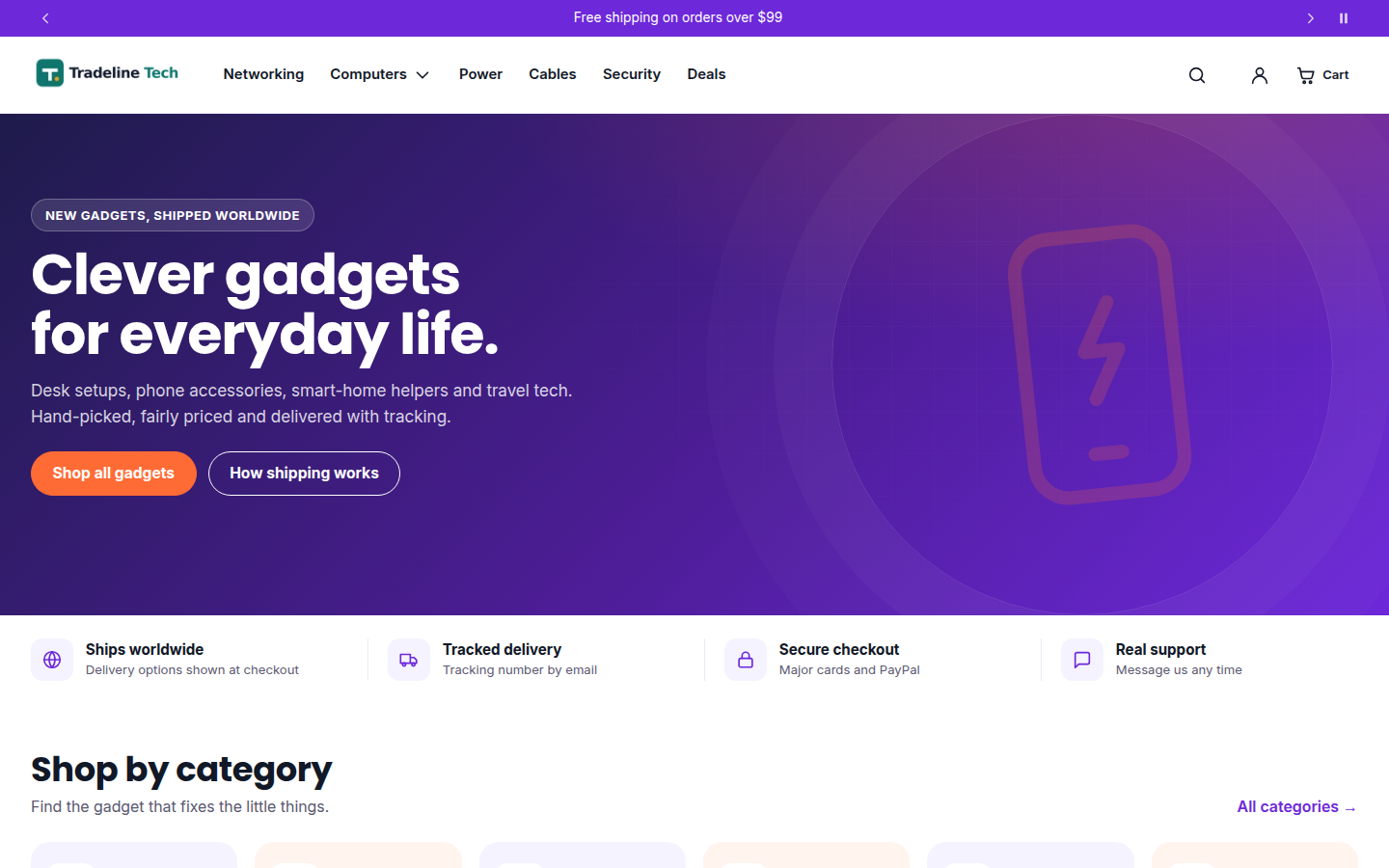
- Set up the homepage. Edit the hero, perks, categories, product rows, shipping steps, FAQ and call to action. The categories follow your main menu.
- Add your licence code (see Licence and updates), preview on desktop and mobile, then publish.
On the demo store