Veloso
Getting started
Install Voltwren and make it yours.
- Add the theme. Download the zip from your licence page, then in Shopify admin go to Online Store › Themes › Add theme › Upload zip file. It is added unpublished, so your current theme stays live.
- Add your logo. Customize › Theme settings › Logo and favicon. Without one, the theme uses the logo from Settings › Brand, then your store name.
- Check the colours. Theme settings › Colors holds the five colour schemes (white, soft grey, navy, teal and mint). Change any of them; every section uses one.
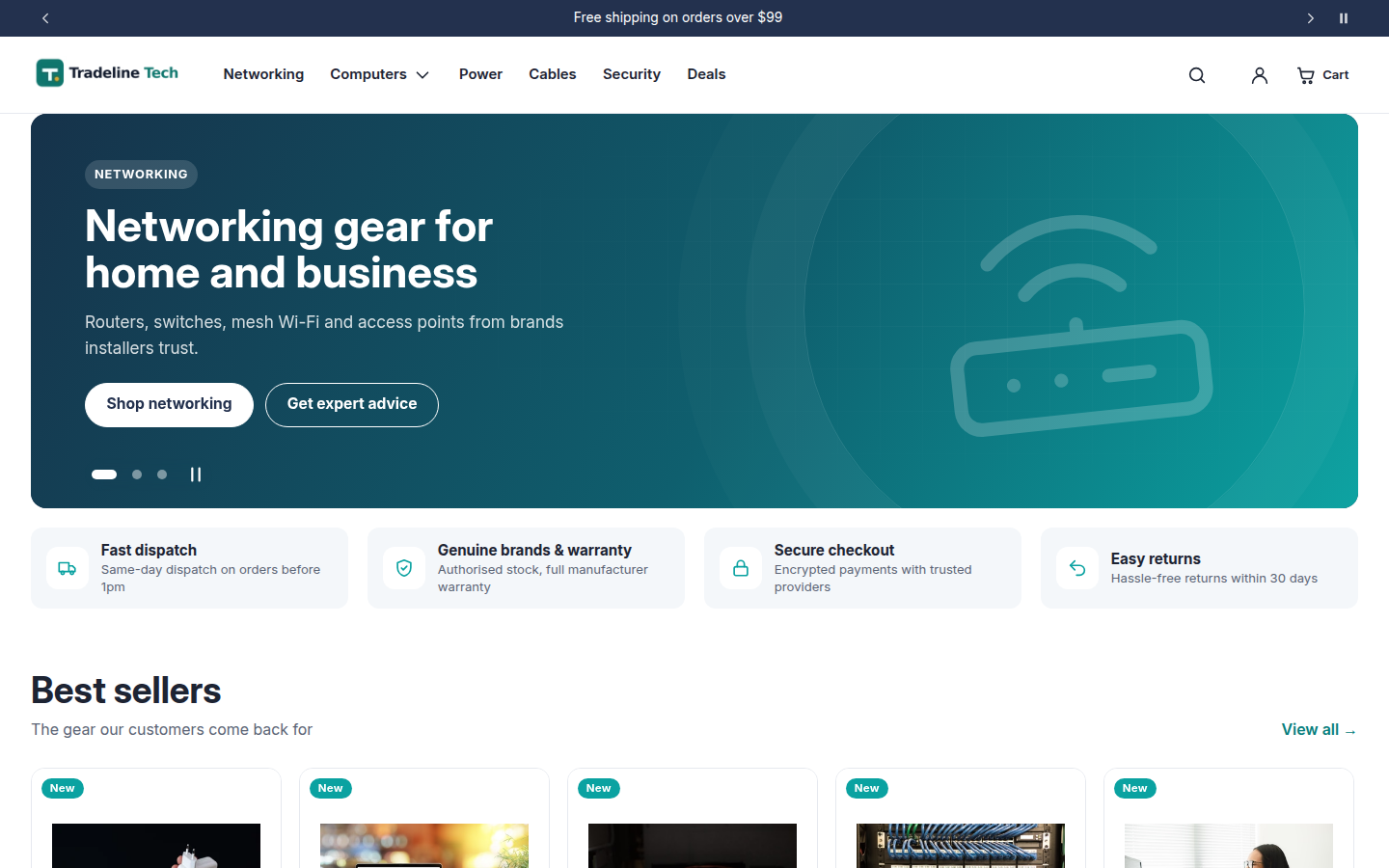
- Set up the homepage. The hero, trust cards, category tiles and product rows are ready to edit. The category tiles follow your main menu.
- Turn on pay-later messages if you offer Afterpay or Zip (see Payment messaging).
- Add your licence code (see Licence and updates), preview on desktop and mobile, then publish.
On the demo store