Veloso
Bylinely documentation
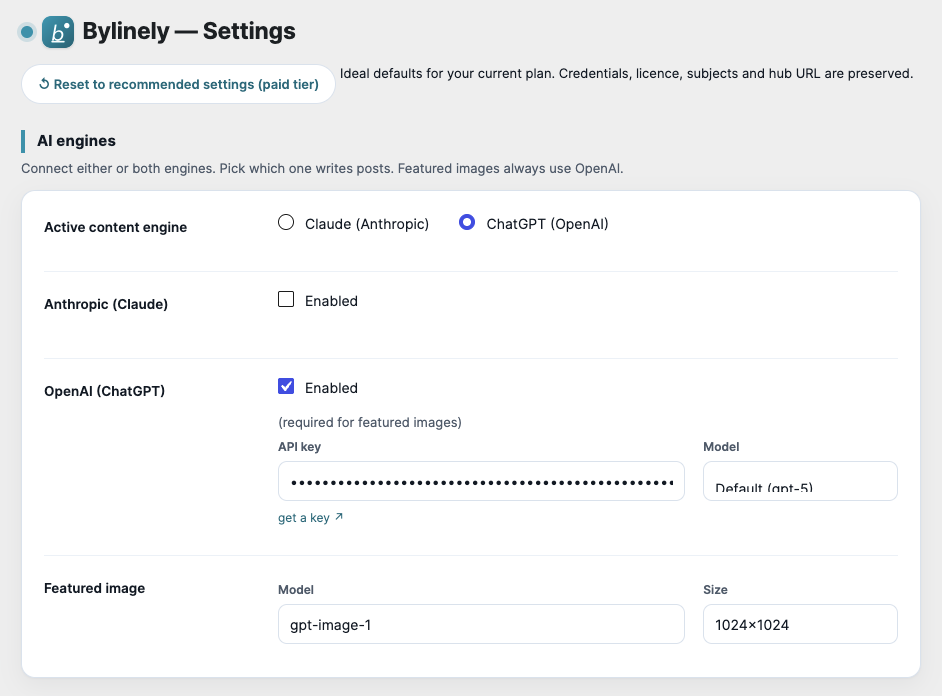
Everything you need to install Bylinely, write your first post and get the most from each feature.
- Getting startedInstall Bylinely, add an AI key and generate your first post.
- Free and paid featuresWhat the free plugin does today and what the paid plans add.
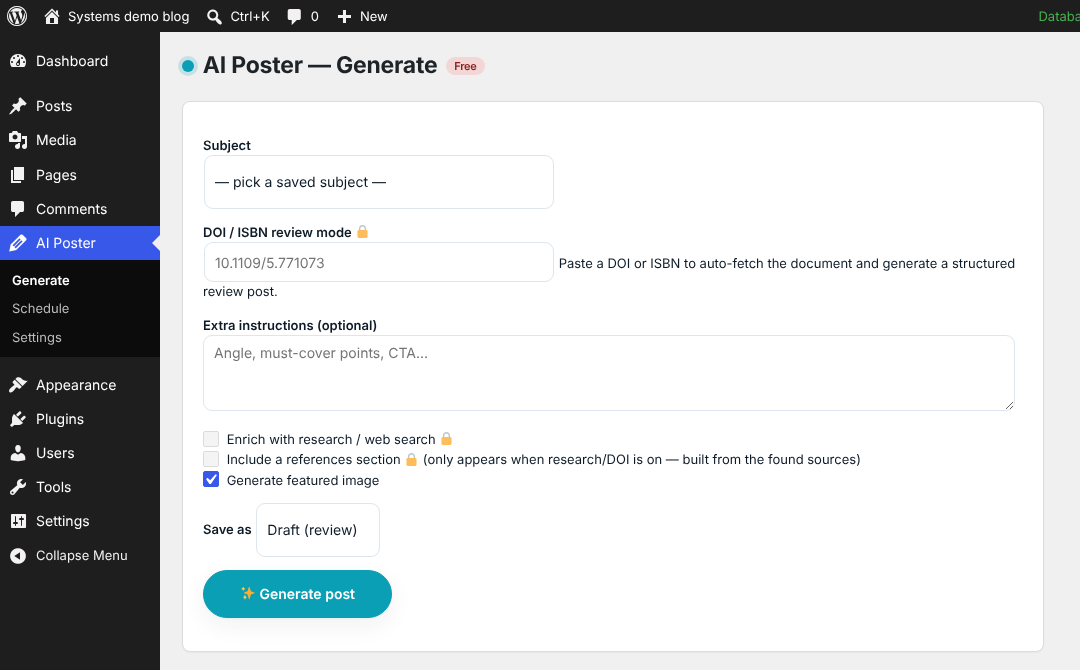
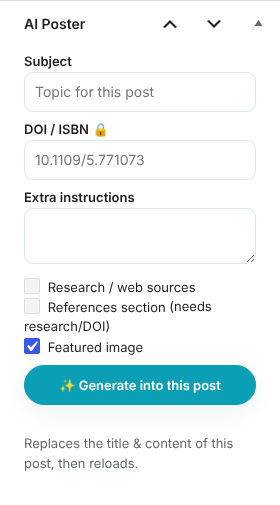
- Generating postsThe Generate page, the editor panel, and what each option does.
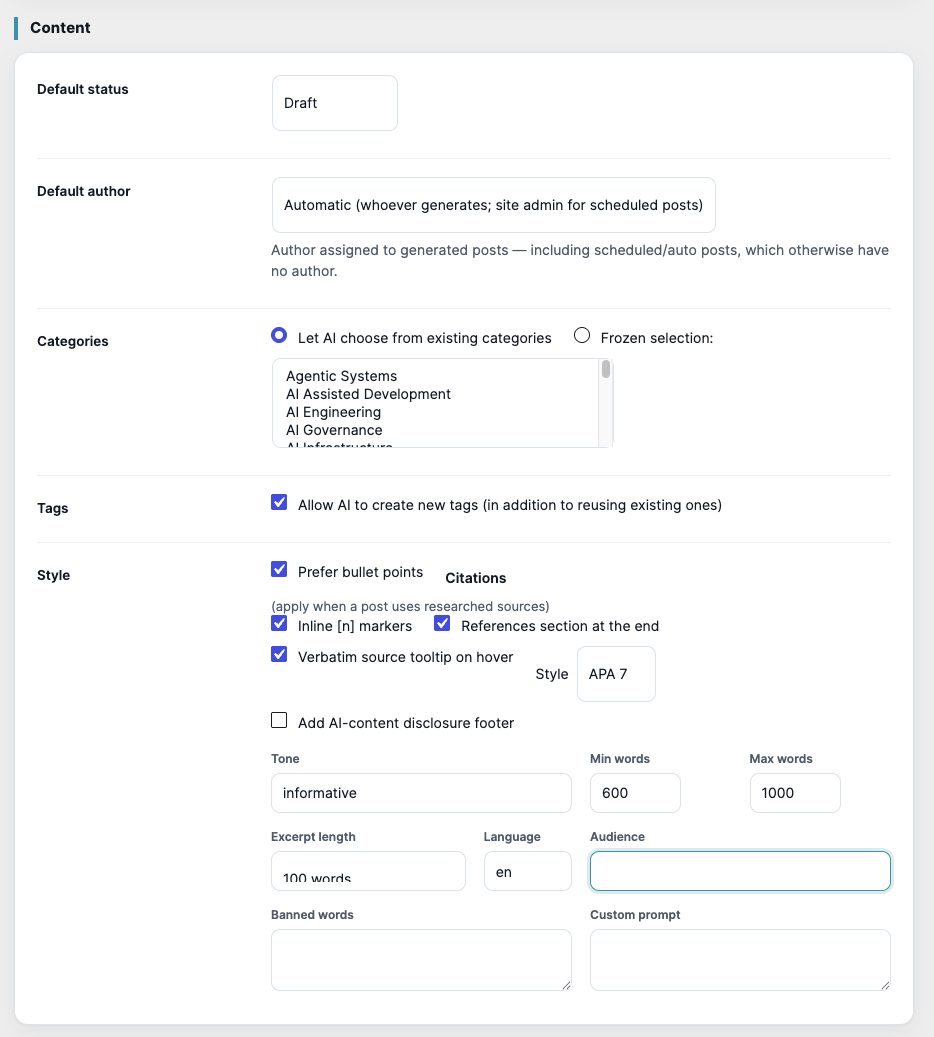
- Content and styleStatus, author, categories, tags, tone, length, language and your own prompt.
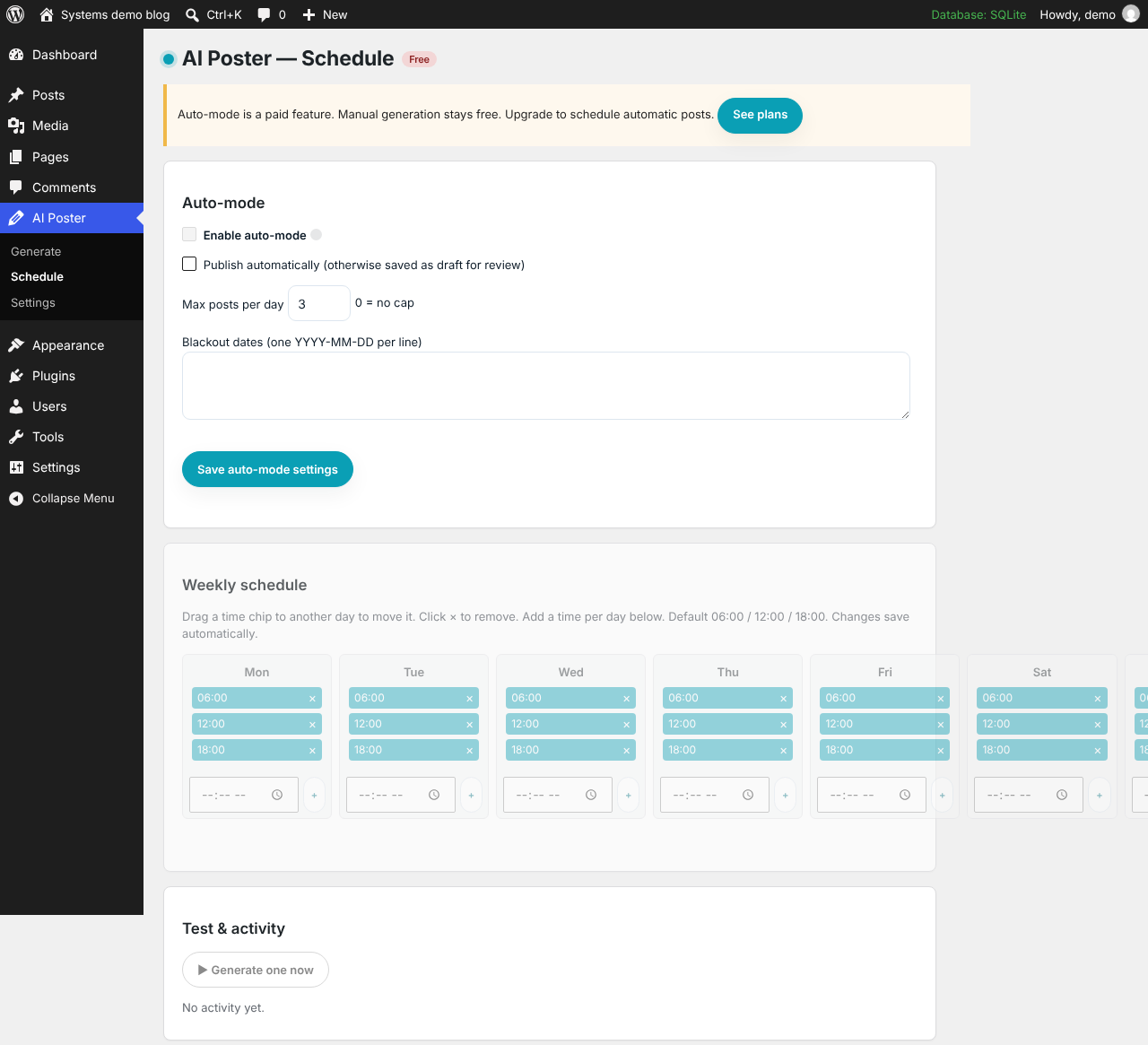
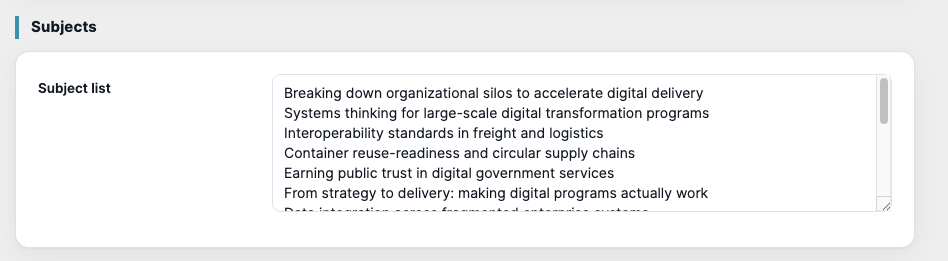
- Auto-mode and schedulingPost automatically on a weekly calendar, with subject rotation, caps and blackout dates.
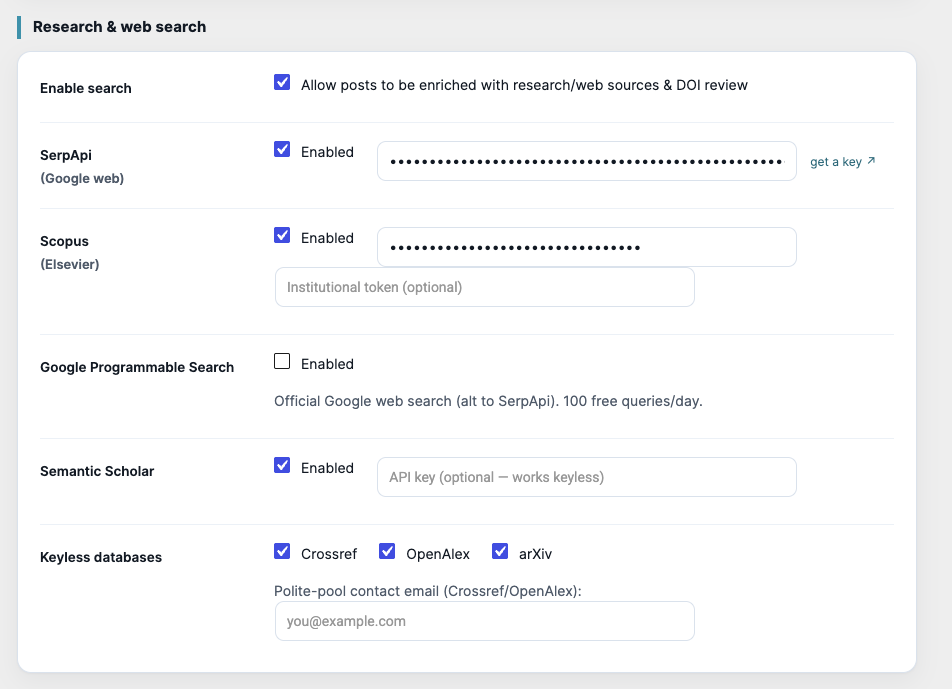
- Research, DOI / ISBN and citationsGround posts in academic databases and web search, and review papers or books by identifier.
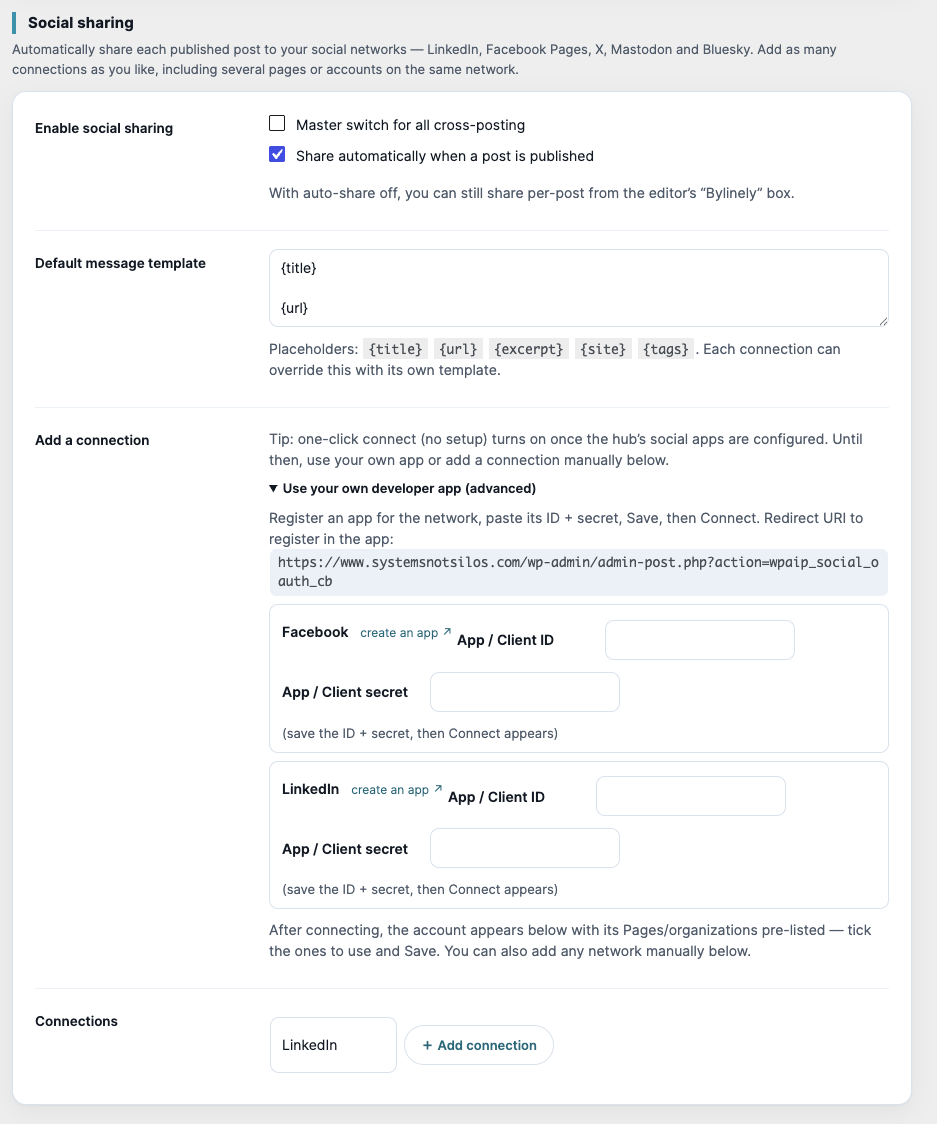
- Social sharingShare every post to LinkedIn, Facebook, X, Mastodon and Bluesky, with one-click connect.
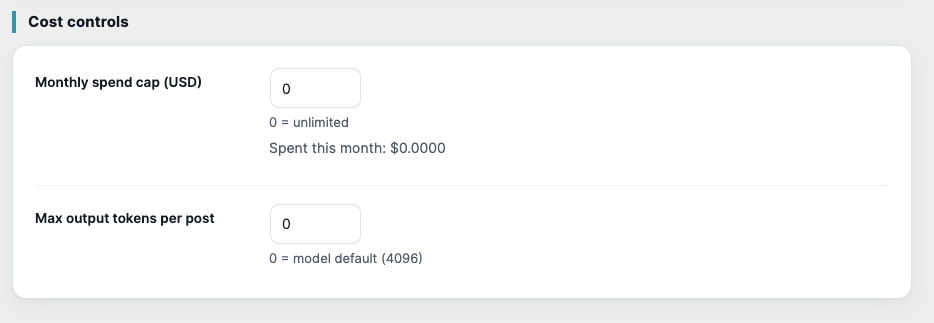
- Cost controlsCap your monthly AI spend and the length of each response.
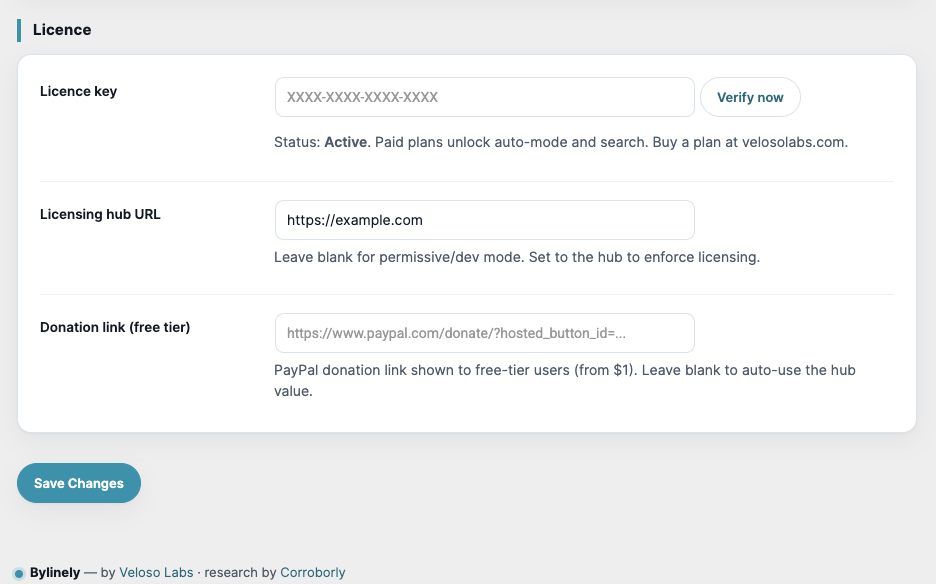
- Licence, plans and billingAdd a licence key, how verification works, and refunds.
- Updates and troubleshootingAutomatic updates, and fixes for the most common problems.
- What’s newChanges in each Bylinely release.
In the plugin