Veloso
Auto-mode and scheduling
Post automatically on a weekly calendar, with subject rotation, caps and blackout dates.
Paid feature. Auto-mode is part of the paid plans, which are coming soon. Manual generation stays free.
Set it up
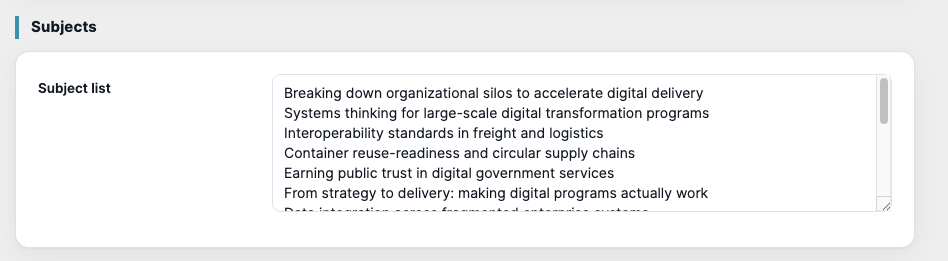
- Add the topics you want covered in Settings › Subjects, one per line. Auto-mode rotates through them and avoids repeats.
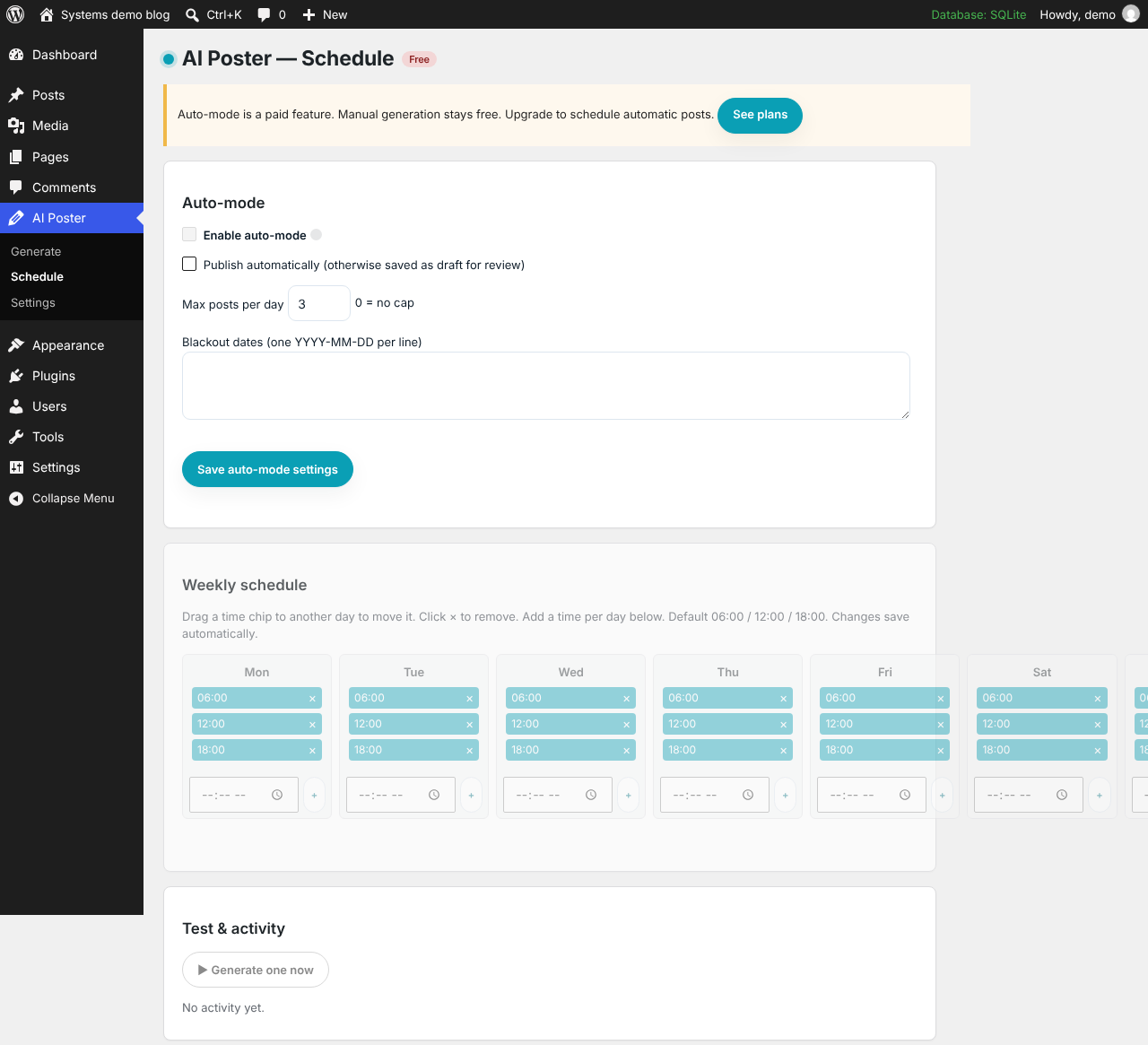
- Open AI Poster › Schedule and tick Enable auto-mode.
- Arrange the Weekly schedule: drag times between days, or add a time to a day. The default is 06:00, 12:00 and 18:00. Changes save automatically.
- Choose whether to Publish automatically; otherwise scheduled posts are saved as drafts for you to review.
- Optionally set Max posts per day (0 means no cap) and Blackout dates (one
YYYY-MM-DDper line).
Use ▶ Generate one now to test the setup. The activity log underneath shows every run.
Make sure it fires on time
WordPress only runs scheduled tasks when someone visits the site. For reliable timing, ask your host to add a server cron job that calls wp-cron.php every five minutes, for example:
*/5 * * * * wget -q -O - https://your-site.example/wp-cron.php?doing_wp_cron
If your licence lapses, auto-mode switches itself off. Manual generation keeps working.
In the plugin