Veloso
Bookings and services
Appointment dates and times, service menus, team and quotes.
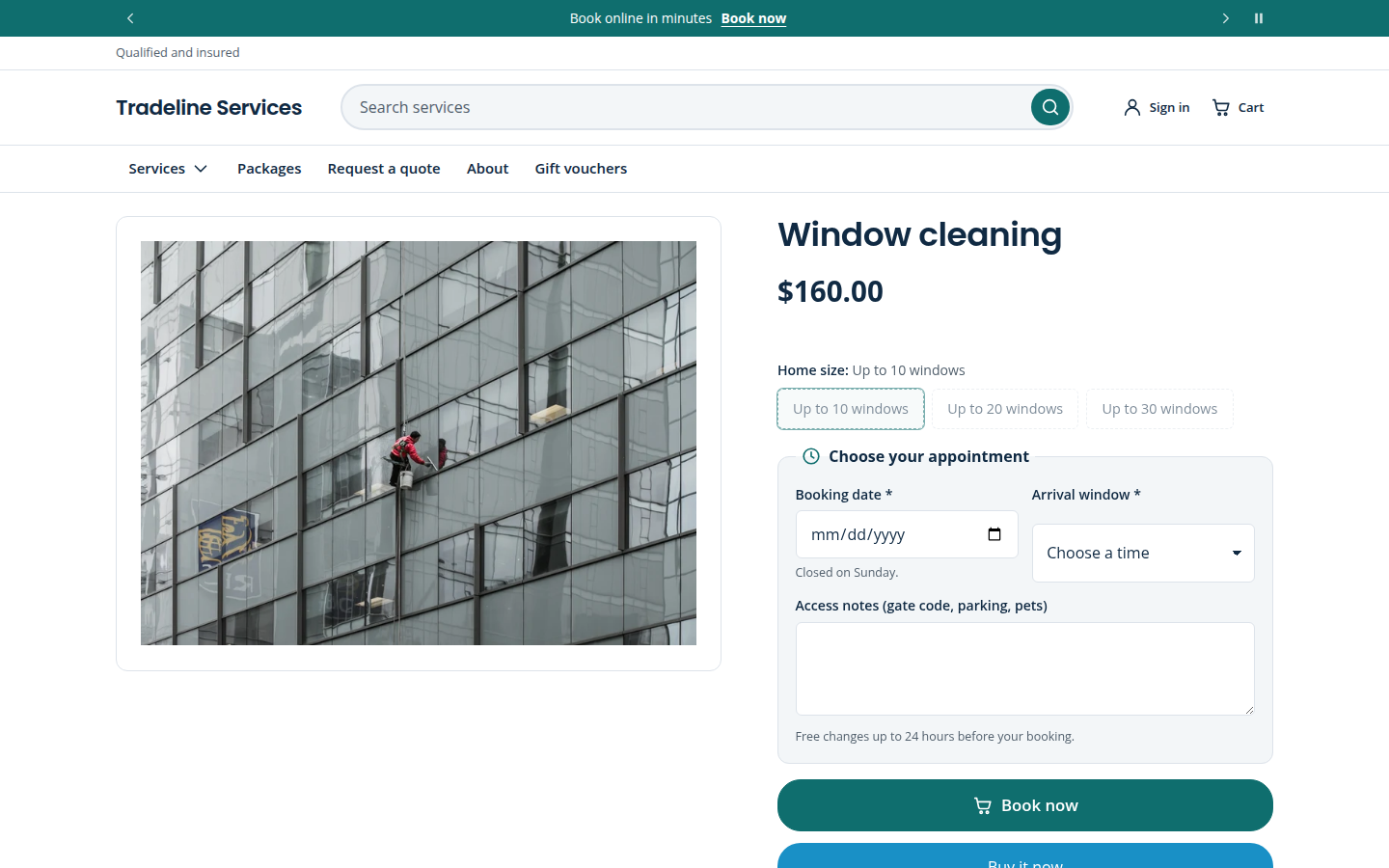
Booking date and time block
Add it to the product page to let customers choose a date (and optionally a time) before adding a service to the cart. The choice is saved on the order as line-item properties, so it appears in your Shopify order and notification emails.
- Minimum notice, how far ahead people can book, closed weekdays and blackout dates (single days or ranges such as
2026-12-24..2027-01-02). - Time slots from your opening and closing times with a slot length you choose; times can be optional or required.
- Skip for products tagged (default
no-booking): gift cards and tagged products, such as vouchers, are sold without a booking.
The block collects the customer's preferred time. It does not check calendar availability; confirm bookings from the order as you do today, or connect a booking app if you need live availability.
Related sections
- Service menu: a price list grouped by category, with durations and book buttons.
- Team: staff with photo, role, bio and a booking link.
- Quote request and Store locator for businesses with premises.
On the demo stores