Veloso
Store modes: shop, catalogue and quotes
Sell online, show a catalogue, or take quote requests.
Choose a mode in Theme settings › Store mode:
- Online shop: normal prices, cart and checkout.
- Catalogue: no prices and no cart. Good for showrooms and trade suppliers who sell in person.
- Request a quote: product pages show a quote button instead of add to cart.
- Shop + quote button: normal shopping plus a quote button for bulk or trade orders.
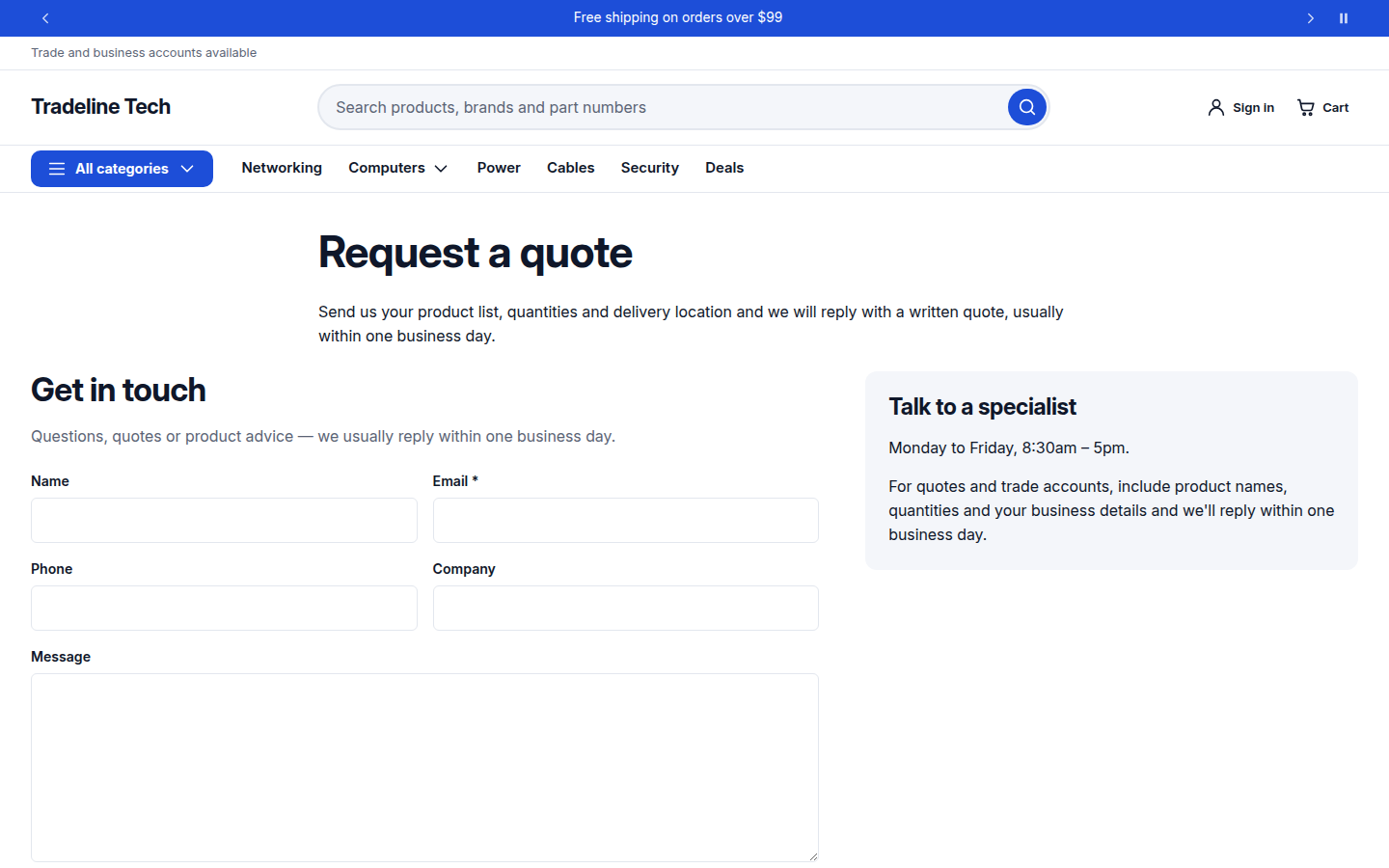
For quote modes, create a page with the quote template (it contains the Quote request section) and select it as Quote request page. The product name is filled in automatically when a customer arrives from a product.
Show prices only to signed-in customers hides prices until a customer logs in, which is useful for wholesale.
Quote request section
Choose which fields to ask for: phone, company, business number (for example ABN), product and SKU, quantity, required-by date, budget ranges and preferred contact method. Submissions arrive as Shopify contact-form messages.
On the demo stores